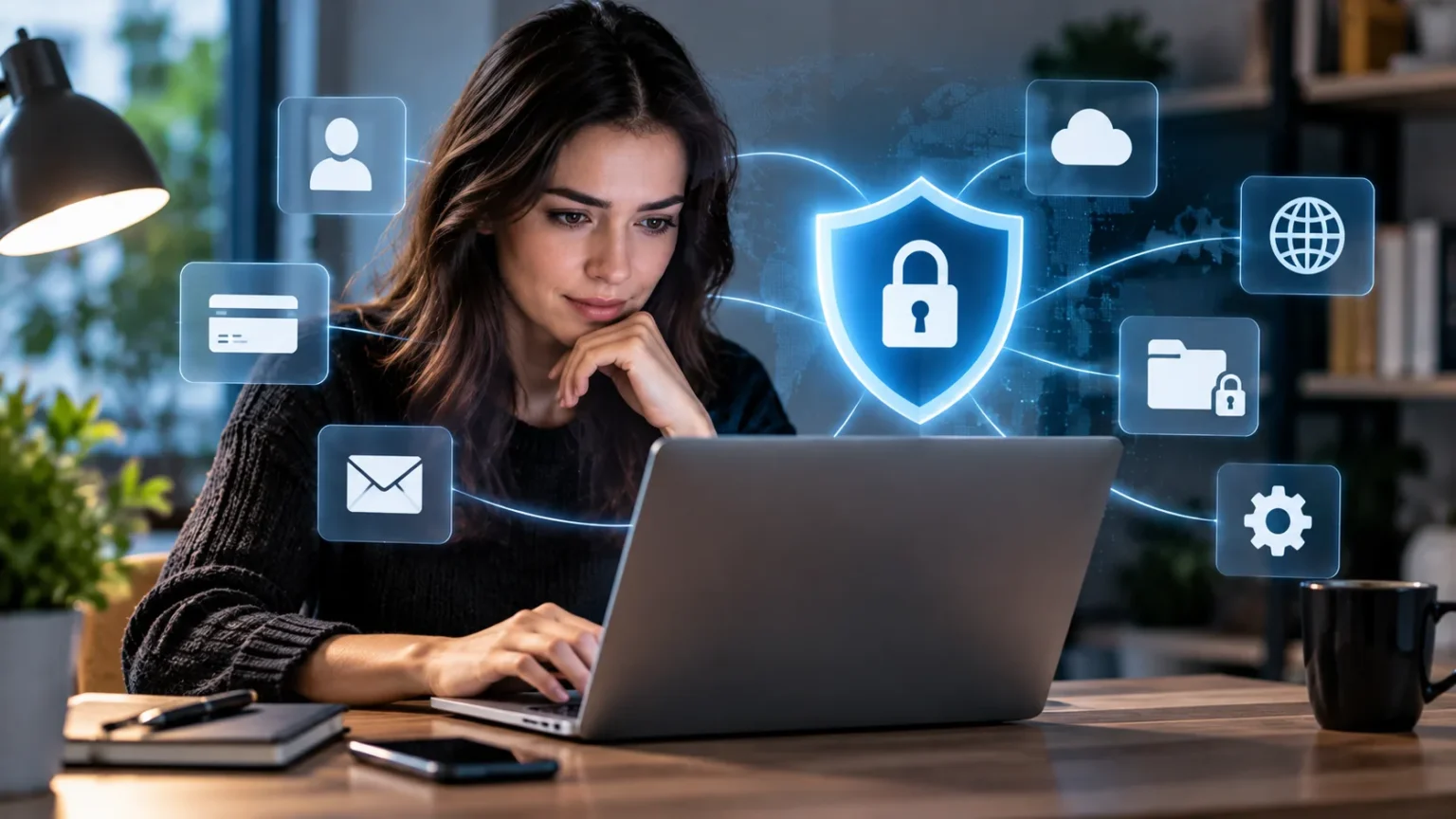
Every time you shop, browse social media, send an email, install an app, or create an online account, you share pieces of personal information. Some of that data is necessary, while other details may be collected simply because privacy settings were never reviewed. Over time, these small pieces can create a surprisingly detailed picture of your identity, habits, interests, and daily routines.
Keeping personal data private online does not mean avoiding the internet completely. It means controlling what you share, limiting unnecessary access, and protecting the accounts that hold sensitive information. Strong passwords, privacy settings, careful browsing habits, secure backups, and greater awareness of tracking can significantly reduce your exposure without making everyday internet use difficult.
Use Strong and Unique Passwords for Every Account
Reusing one password across several websites creates a major privacy and security risk. If one service experiences a data breach, attackers may try the exposed password on your email, shopping accounts, social profiles, and financial services. A unique password for every important account prevents one compromised credential from automatically unlocking several parts of your digital life.
Create long passwords that are difficult to guess and avoid predictable information such as birthdays, names, phone numbers, or common phrases. A password manager can generate and store complex credentials so you do not need to memorize dozens of combinations. This makes strong password habits practical even if you regularly use many websites and applications.
Protect the password manager itself with a strong master password and available account security features. Never store important passwords in unsecured notes, spreadsheets, messages, or documents that other people can easily access. Password security is one of the simplest ways to reduce unauthorized access to the personal information stored across your online accounts.
Turn On Multi-Factor Authentication
Multi-factor authentication adds another identity check after you enter your password. Depending on the service, you may need to approve a notification, enter a temporary code, use a security key, or verify yourself through another supported method. This extra step can stop many account takeover attempts when a password has already been stolen.
Enable stronger authentication first on accounts containing your most sensitive information. Email, banking, cloud storage, social media, shopping services, and password managers are good places to start. Your email account deserves particular attention because attackers may use it to reset passwords for several other services if they successfully gain unauthorized access.
Never share one-time verification codes with someone who contacts you unexpectedly. Scammers may claim to represent technical support, a bank, or another trusted company while asking you to read a code aloud. Authentication codes are designed to confirm your identity, so giving one to another person can effectively help them bypass your account security.
Share Less Personal Information on Social Media
Social media profiles can reveal much more personal information than users realize. Birthdays, workplaces, family relationships, hometowns, travel plans, phone numbers, and photographs may all provide useful clues to scammers or identity thieves. Review what your profile displays publicly and remove information that strangers do not genuinely need to see.
Think carefully before posting real-time location updates or announcing that your home is empty while you travel. Even harmless-looking photos can reveal addresses, school names, workplace details, identification documents, or other information in the background. Waiting until after a trip to share photographs can reduce unnecessary exposure without preventing you from enjoying social media.
Review audience settings periodically because social platforms often contain several controls for posts, profiles, tagging, and discoverability. Limit sensitive updates to people you actually know where possible. Privacy settings cannot guarantee that information will remain private forever, so avoid posting anything that could seriously harm you if it eventually became public.
Review App Permissions and Remove Unused Apps
Mobile applications frequently request access to location, contacts, photos, microphones, cameras, Bluetooth, and other device information. Some permissions are necessary for useful features, but others may be broader than needed. Reviewing app permissions helps reduce the amount of personal information available to software that does not genuinely require continuous access.
Choose limited permission options whenever they still allow the app to function properly. A navigation app may need location while you are using it, but many other applications may not need constant background tracking. Similarly, an app that lets you upload one photograph may not require permanent access to your entire photo library.
Delete applications and browser extensions you no longer use. Old software can continue holding permissions or collecting information even after you stop thinking about it. Keeping fewer unnecessary apps installed makes privacy settings easier to understand and reduces the number of companies and services that potentially have access to your personal data.
Browse the Web With Privacy in Mind
Websites may use cookies, tracking technologies, advertising systems, and embedded services to understand how visitors behave online. Some tracking is used for necessary functions, while other systems build advertising or behavioral profiles across multiple websites. Adjusting browser privacy settings can help reduce the amount of unnecessary information collected during normal browsing.
Consider blocking third-party tracking where your browser allows it and regularly review unnecessary site permissions. Websites may request access to your location, camera, microphone, notifications, or other features that are not always needed. Avoid automatically clicking “Allow” simply because a permission box appears while you are trying to read an article or access a service.
Private browsing modes can reduce information stored locally after a session, but they do not make you invisible online. Websites, network providers, employers, and other parties may still observe certain activity depending on the situation. Online privacy works best when browser settings are combined with careful account management and thoughtful decisions about what information you share.
Be Careful With Public Wi-Fi Networks
Public Wi-Fi is convenient in airports, cafés, hotels, libraries, and shopping centers, but unfamiliar networks should be used cautiously. Criminals may create fake access points with believable names to attract nearby users. Connecting to the wrong network can expose you to deceptive login pages, misleading prompts, or other attempts to capture sensitive information.
Confirm the correct network name before connecting, especially in busy public places where several similar options may appear. Avoid installing certificates, profiles, or unusual software because a Wi-Fi page tells you that installation is required. When handling sensitive financial or account information, a trusted mobile connection may be preferable to an unfamiliar public network.
Turn off automatic connection to unknown networks if your device allows it. This prevents your phone or laptop from connecting without your attention whenever a familiar-looking network appears. Once you have finished using public Wi-Fi, disconnect from it and forget the network when you do not expect to need it again.
Protect Important Files With Secure Backups
Privacy also involves keeping control of your personal information when devices fail, disappear, or become compromised. Important documents, photographs, financial records, and work files should have secure copies stored separately from the original device. A good backup strategy can prevent you from losing valuable information after theft, hardware failure, ransomware, or accidental deletion.
Learning how to maintain reliable data backups can strengthen your wider privacy and security plan. Consider combining an external storage device with a trusted cloud backup service so one incident is less likely to destroy every copy. Protect cloud backup accounts with unique passwords and multi-factor authentication.
Sensitive backup files should also be protected from unauthorized access. Encryption can help prevent someone from simply reading your data if a backup drive is lost or stolen. Test your backups occasionally to confirm that important files are actually being saved and can be restored successfully when you need them.
Watch for Phishing and Social Engineering
Attackers often obtain personal information by persuading people to reveal it voluntarily. Phishing emails, fake text messages, fraudulent support calls, and imitation login pages may ask for passwords, banking details, account numbers, or authentication codes. These scams can look professional, so appearance alone should never be used to decide whether a request is legitimate.
Be especially cautious when messages create urgency or fear. Claims that your account will be closed, a payment has failed, or suspicious activity requires immediate verification are common ways to pressure people into responding quickly. Instead of clicking the provided link, open the official application or website independently and check whether the same warning appears there.
Verify unusual requests through another trusted communication method before sharing sensitive information. Even a message from someone you know could come from a compromised account. Developing the habit of slowing down before responding makes it much harder for scammers to turn emotional pressure into access to your private data.
Limit What Companies Can Collect About You
Many websites and apps collect information because users accept default settings without reviewing them. Account profiles may include advertising preferences, search history, location data, activity records, purchase information, and other details. Check privacy dashboards and account settings periodically to understand what is being stored and which options can be adjusted.
Only provide information that is genuinely necessary when creating accounts. Optional questions about birthdays, phone numbers, addresses, interests, or personal background do not always need to be completed. The less unnecessary information you provide, the less data a company can potentially expose through a breach or share through its normal business activities.
Delete old accounts that you no longer use when practical. Forgotten accounts can contain names, passwords, addresses, payment history, photographs, or other personal information for years. Reducing the number of inactive services associated with your identity makes your digital footprint smaller and gives you fewer accounts that need ongoing privacy and security attention.
Keep Your Devices and Software Updated
Privacy depends partly on the security of the devices you use. Outdated operating systems, browsers, applications, and extensions may contain known vulnerabilities that attackers can exploit. Installing security updates promptly reduces exposure to weaknesses that software developers have already identified and corrected.
Enable automatic updates where practical so important patches do not depend entirely on memory. Keep phones, laptops, tablets, browsers, and frequently used applications current. You should also remove unsupported software that no longer receives security fixes, especially when it handles sensitive information or connects regularly to the internet.
Use a strong screen lock on every personal device. A lost phone or laptop can expose private messages, photographs, email accounts, saved passwords, and cloud services if the device is easy to unlock. Device encryption and biometric authentication can provide additional protection, but they work best when supported by a strong passcode or password.
Regularly Review Your Digital Privacy
Online privacy is not something you configure once and then forget. New apps, accounts, devices, browser extensions, and services gradually become part of your digital life. A quick privacy review every few months can help you discover unused accounts, outdated permissions, old devices, and information that no longer needs to remain publicly visible.
Start with your most important accounts and review security activity, connected devices, recovery details, permissions, and third-party applications. Then check social media privacy settings and remove software you no longer use. These small maintenance tasks are easier to manage regularly than trying to fix years of accumulated privacy problems at once.
Pay additional attention whenever your circumstances change. Replacing a phone, changing an email address, leaving a job, moving to another service, or losing a device can require immediate privacy updates. Keeping account information current helps prevent old devices, addresses, and access permissions from becoming weak points that remain forgotten.
Conclusion
Keeping personal data private online requires several small habits working together. Strong unique passwords, multi-factor authentication, limited social sharing, careful permissions, updated software, and safer browsing practices can significantly reduce unnecessary exposure. You do not need to disappear from the internet; you simply need greater control over the information you provide.
Privacy also means preparing for problems before they happen. Secure backups protect important information from permanent loss, while phishing awareness helps prevent attackers from obtaining sensitive details through deception. Regularly reviewing old accounts and connected applications reduces the number of places where your personal information remains stored or accessible.
The most effective privacy strategy is ongoing rather than perfect. Ask why information is being requested, limit access when it is unnecessary, and verify suspicious requests before responding. A few thoughtful decisions each day can make your digital footprint smaller and make it much harder for strangers, scammers, or compromised services to expose your personal life.
FAQs
What is the best way to keep personal data private online?
Use unique passwords, enable multi-factor authentication, limit social media sharing, review app permissions, and keep devices updated. Combining several privacy practices provides stronger protection than relying on one setting or security tool.
Should I use my real information on every website?
Only provide information that is necessary for the service you are using. Avoid filling optional profile fields with sensitive personal details when the website does not need them to provide its core functionality.
Can private browsing keep my personal data completely anonymous?
No. Private browsing mainly limits information stored locally after your session. Websites, internet providers, employers, and other services may still observe certain activity depending on your network, accounts, and privacy settings.
How often should I review my online privacy settings?
Review important privacy and security settings every few months and whenever you change devices, phone numbers, email addresses, or major accounts. Regular checks help identify outdated permissions and forgotten access.
What personal information should I avoid sharing publicly?
Avoid publicly exposing sensitive details such as your home address, phone number, identification documents, financial information, authentication codes, detailed travel plans, or information commonly used for account recovery and identity verification.