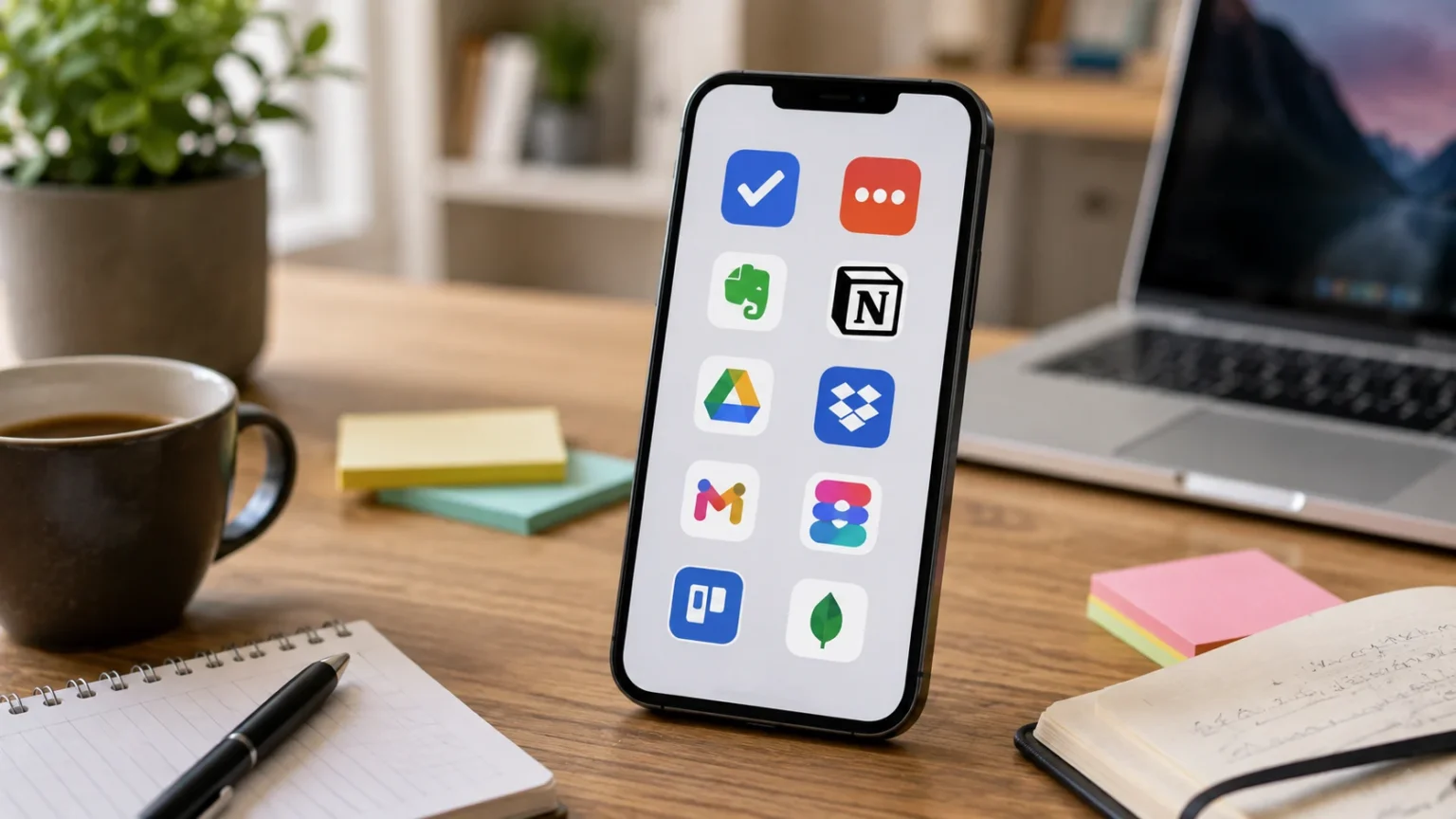
Best Free Productivity Apps
Staying productive does not necessarily require expensive software or complicated systems. Whether you are managing work projects, studying for exams, running a small business, working remotely, or simply trying to organize everyday responsibilities, the right productivity app can make a noticeable difference. Many powerful tools now offer genuinely useful free versions that cover task management, note-taking, time tracking, planning, and collaboration. The challenge is not finding an app but choosing one that matches the way you naturally work.
The best free productivity apps help reduce mental clutter by giving your tasks, ideas, deadlines, documents, and schedules a clear place to live. Instead of relying on memory or constantly switching between notebooks and messages, you can create a simple digital productivity system. Some apps focus specifically on to-do lists, while others provide complete workspaces for projects and knowledge management. Choosing the right type of tool matters more than downloading every popular productivity app you encounter.
Another advantage of modern productivity software is flexibility across different devices and working styles. Students may want a simple note-taking and assignment tracker, while freelancers might need project organization and time tracking. Teams often benefit from shared boards, collaborative documents, and task assignments, while individual users may value speed and simplicity above advanced features. Understanding your priorities makes it much easier to identify the tools that will genuinely improve your workflow instead of adding more complexity.
In this guide, we explore some of the best free productivity apps for task management, project planning, note-taking, time tracking, personal organization, and collaborative work. We will also discuss what each tool does best, who should use it, and what to consider before committing to a productivity platform. Rather than chasing every feature available, the goal is to help you build a practical system that saves time, improves focus, and makes daily responsibilities easier to manage.
1. Todoist – Best for Simple Task Management
Todoist is a strong choice for people who want a straightforward way to organize tasks without building an overly complicated productivity system. You can use it to create personal to-do lists, separate responsibilities into projects, and keep upcoming work organized in one place. Its clean interface makes it suitable for both beginners and experienced productivity users. If your biggest challenge is remembering what needs to be done and deciding what to work on next, Todoist provides a practical starting point.
The app works particularly well for recurring responsibilities and everyday planning. You might create separate projects for work, personal goals, shopping, study assignments, content creation, or household responsibilities. Breaking responsibilities into smaller tasks makes large goals feel more manageable and gives you a clear picture of what remains unfinished. Instead of storing dozens of reminders mentally, you can capture them quickly and return to them when you are ready to work.
Todoist can also support a simple productivity habit known as task capture. Whenever you remember something important, you immediately add it to your task manager rather than hoping you will remember it later. This reduces mental clutter and helps prevent small responsibilities from being forgotten. Over time, using one dependable place for your commitments can improve both organization and focus, especially when your schedule includes many unrelated projects.
The free version is most suitable for individuals who need essential task organization rather than complex enterprise project management. More advanced capabilities are available through paid tiers, so heavy users may eventually encounter limitations. Still, Todoist remains one of the better free task management apps for people who value simplicity, fast task entry, clear organization, and an interface that does not require hours of setup before becoming useful.
2. Notion – Best All-in-One Productivity Workspace
Notion is a flexible productivity platform that combines notes, documents, databases, task organization, project planning, and knowledge management. Instead of using several separate applications for different types of information, you can create a connected workspace where projects, research, meeting notes, content calendars, study material, and personal plans live together. This flexibility has made Notion particularly attractive to students, creators, freelancers, entrepreneurs, and people who enjoy designing personalized organizational systems.
One of Notion’s biggest strengths is that pages can be structured in many different ways. You can create a simple document, build a task database, organize a reading list, develop a project dashboard, or maintain a personal knowledge base. Templates can help beginners start quickly, while experienced users can build increasingly sophisticated systems. This makes the app useful for people whose productivity requirements extend beyond an ordinary to-do list.
Notion is also valuable for information that needs to remain useful over time. A traditional task manager focuses mainly on actions you need to complete, while Notion can store the supporting knowledge behind those actions. For example, a content writer could maintain keyword research, editorial calendars, article briefs, client guidelines, and completed work inside connected pages. Students can similarly organize subjects, lecture notes, assignments, revision materials, and exam preparation within one workspace.
The downside is that flexibility can become a distraction if you spend more time customizing dashboards than actually completing your work. New users should start with a simple structure and add complexity only when it solves a genuine problem. For anyone seeking an all-in-one productivity app, however, Notion remains a powerful free option for organizing tasks, information, projects, and long-term knowledge without requiring several disconnected tools.
3. Trello – Best for Visual Project Planning
Trello is particularly useful for people who prefer seeing their work visually rather than managing everything through conventional lists. Its board-based approach allows you to organize projects into columns and move individual cards as tasks progress. A simple workflow might contain columns such as Ideas, To Do, In Progress, Review, and Completed. This visual movement makes project status easy to understand at a glance without opening multiple menus or reports.
The system works well for content planning, marketing campaigns, freelance projects, event preparation, product development, study schedules, and household organization. Each card can represent a task or piece of work, while boards can represent larger projects. Because the structure is easy to understand, Trello can also be useful for small teams that want shared visibility without adopting a complicated project management platform.
Kanban-style organization is especially effective when you have several pieces of work moving through predictable stages. For example, a writer could create cards for article ideas and move them through research, drafting, editing, publishing, and promotion. A designer could use similar columns for requested, designing, client review, revisions, and approved work. The visual workflow makes bottlenecks easier to notice because too many cards accumulating in one column immediately becomes obvious.
Trello’s free offering is usually sufficient for straightforward individual projects and smaller workflows, although organizations requiring advanced management capabilities may need additional features. The platform is most valuable when you keep boards focused instead of creating dozens of complicated columns. For visual thinkers looking for free project management software, Trello provides an approachable combination of clarity, flexibility, and collaborative organization.
4. Microsoft To Do – Best for Everyday To-Do Lists
Microsoft To Do is designed for users who want simple daily task management without unnecessary complexity. You can create lists for different areas of life, organize responsibilities, set reminders, and bring important tasks into a focused daily view. Its straightforward structure makes it suitable for people who find feature-heavy project management platforms overwhelming. You can start using it almost immediately without building complicated workflows or learning unfamiliar terminology.
The app works particularly well for personal productivity, recurring errands, household responsibilities, work reminders, shopping lists, and daily planning. Instead of mixing every responsibility into one enormous list, you can divide tasks according to context. A personal list might contain appointments and errands, while a work list contains deadlines and follow-ups. This simple separation keeps information organized while still allowing you to plan your day from a central place.
Microsoft To Do is especially convenient for people already working within the broader Microsoft ecosystem. Keeping tasks available across devices makes it easier to add responsibilities when they occur to you and review them later from another screen. That cross-device accessibility is important because a productivity tool only works when capturing tasks is convenient. If adding something feels difficult, users tend to return to memory, sticky notes, or scattered messages.
While it does not attempt to replace advanced project management systems, that simplicity is one of its advantages. People who mainly need reminders, lists, and daily organization may gain little from a more complicated platform. For students, professionals, families, and individuals seeking a free to-do list app, Microsoft To Do offers a clean way to keep daily commitments visible and manageable without turning personal organization into another project.
5. Google Keep – Best for Quick Notes and Ideas
Google Keep is ideal for capturing information quickly before you forget it. Instead of requiring detailed page structures or complex notebooks, it allows you to create lightweight notes and lists that can be accessed easily later. This makes it particularly useful for spontaneous ideas, shopping lists, reminders, quick research notes, meeting takeaways, useful links, and information you need temporarily throughout the day.
One of its biggest strengths is speed. Productivity often breaks down because people have nowhere convenient to store small pieces of information, so ideas end up scattered across screenshots, messages, browser tabs, paper notes, and memory. Google Keep provides a lightweight digital collection point where these fragments can be captured immediately. Labels and other organizational features can then help keep important notes easier to find.
The app can also handle more than basic text notes. Depending on how you use it, notes can include lists, images, drawings, and voice-based information, making it useful when typing is inconvenient. For example, you might record an idea while walking, save an image you need to remember, or maintain a shared shopping checklist. This flexibility makes Keep useful for everyday organization without requiring users to create an elaborate personal knowledge system.
Google Keep is not intended to replace comprehensive project management or long-form knowledge management platforms. Its strength lies in lightweight capture rather than deeply structured information. If you need extensive databases, complex project tracking, or large documentation systems, another tool may be more appropriate. But for anyone looking for a free note-taking app that makes collecting everyday ideas quick and uncomplicated, Google Keep remains an excellent option.
6. ClickUp – Best for Managing Multiple Projects
ClickUp is designed for users who need more project-management depth than a basic task list provides. It combines tasks, projects, collaborative documents, and different ways of viewing work within one platform. This makes it useful for freelancers, small teams, agencies, creators, and professionals managing several projects simultaneously. Instead of keeping project information across separate spreadsheets, chat messages, documents, and task apps, you can centralize more of your workflow.
A major advantage of ClickUp is the ability to organize work hierarchically. Larger projects can be broken into smaller tasks and responsibilities so users can understand both high-level progress and individual next actions. This approach becomes valuable when a project contains dozens of moving parts. For instance, a marketing campaign might include research, copywriting, design, approvals, publishing, analytics, and reporting, each requiring different tasks and deadlines.
Different users can also approach the same project information in ways that make sense for their responsibilities. Some people naturally prefer lists, while others understand visual boards more quickly. Having flexible ways to view work can make a productivity platform more useful across different working styles. Collaborative capabilities are also valuable when multiple people need visibility into responsibilities instead of repeatedly asking for status updates.
Because ClickUp contains many features, beginners may initially find it more complicated than an ordinary to-do list app. The best approach is to use only the features you genuinely need and ignore the rest until your workflow requires them. For people seeking a free project management app with room to grow into more sophisticated workflows, ClickUp can be a strong option, particularly when managing multiple projects or collaborating with others.
7. Clockify – Best Free Time-Tracking App
Clockify focuses on a productivity question that task managers cannot always answer: where is your working time actually going? The app allows users to track time spent on different tasks or projects, making it useful for freelancers, consultants, remote workers, agencies, students, and anyone trying to understand their working habits. Tracking time can reveal patterns that are difficult to notice when you rely only on memory.
For freelancers, accurate time tracking can be particularly useful when work is billed by the hour or when you want to understand whether projects are profitable. Even if you charge fixed project fees, knowing how many hours a job actually requires can help you improve future pricing. A project that appears profitable may become less attractive once you discover that revisions, communication, research, and administrative work consume far more time than expected.
Time tracking can also improve personal productivity by comparing expectations with reality. You might assume that writing an article takes two hours only to discover that research, editing, and formatting bring the actual total much higher. Similarly, tracking administrative tasks may reveal that routine email and meetings are consuming a significant part of your workweek. These insights allow you to make scheduling decisions based on evidence rather than guesswork.
However, time tracking should support productivity rather than become another source of pressure. You do not need to measure every minute of your life to benefit from the data. Start by tracking major work categories or important projects for a few weeks and look for meaningful patterns. Among free productivity tools, Clockify is particularly useful for users who want to better understand workloads, estimate projects, improve focus, or develop more realistic schedules.
8. Obsidian – Best for Personal Knowledge Management
Obsidian is built around creating and connecting notes, making it especially useful for people who want to develop a long-term personal knowledge system. Instead of treating notes as isolated documents, you can link related ideas together and gradually create a network of information. Researchers, writers, developers, students, strategists, and lifelong learners can use this structure to preserve useful knowledge and make connections between ideas over time.
The app is particularly valuable when your work involves learning or research. Imagine researching dozens of articles about marketing, psychology, technology, or another subject. Instead of leaving useful insights scattered across bookmarks and browser tabs, you can convert them into organized notes and link related concepts together. Months later, those notes remain available when you need them for another project rather than forcing you to restart your research from the beginning.
Obsidian also appeals to users who want greater control over their notes and prefer working with locally stored files. Its core experience can remain relatively simple, while optional extensions and customization allow advanced users to develop more sophisticated workflows. This flexibility means two people can use Obsidian very differently: one might maintain a basic collection of connected notes, while another creates a detailed research and knowledge-management environment.
There is a learning curve if you immediately try to reproduce elaborate systems created by productivity enthusiasts online. Instead, start with ordinary notes and add links whenever two ideas genuinely relate to one another. Over time, structure develops naturally around the information you actually use. For users looking for a free knowledge management app, Obsidian offers a distinctive alternative to traditional notebooks and cloud-first productivity workspaces.
9. Notion Calendar – Best for Visual Time Planning
A task list tells you what needs to be done, but it does not automatically tell you when you will have time to do it. Calendar-based planning solves this problem by turning vague intentions into scheduled blocks of time. Notion Calendar can be useful for people who want to see meetings, commitments, and planned work in a visual timeline, helping them create schedules that reflect the actual amount of time available during a day.
This style of planning is particularly helpful when your task list consistently becomes longer than what you realistically accomplish. Instead of assigning ten major tasks to one day, place important work into available calendar periods. You may quickly discover that meetings, appointments, commuting, breaks, and existing responsibilities leave far less focused time than expected. Scheduling therefore encourages more realistic planning and reduces the frustration created by impossible daily to-do lists.
Calendar planning can also support focused work by reserving uninterrupted periods for important responsibilities. For example, a writer might schedule a morning block for research and drafting rather than hoping to find time between messages and meetings. A student could reserve evening sessions for specific subjects, while a freelancer might block separate periods for client work and administration. Giving work a defined place in the day increases the likelihood that it actually receives attention.
The key is avoiding over-scheduling every minute. A productive calendar should contain flexibility for unexpected tasks, delayed meetings, breaks, and changing priorities. Treat time blocks as a realistic guide rather than an inflexible contract with yourself. If you already use Notion for organization or simply prefer visual planning, a calendar-based productivity approach can bridge the gap between collecting tasks and actually finding time to complete them.
10. Which Free Productivity App Is Best for You?
There is no single productivity app that is best for every person. The right option depends on the problem you are trying to solve. If you routinely forget tasks, a dedicated task manager such as Todoist or Microsoft To Do may provide the greatest improvement. If information is scattered across documents and notes, Notion or Obsidian may be more suitable. If you need to understand project progress visually, Trello can offer greater clarity.
Users managing several structured projects may benefit more from ClickUp, while people trying to understand how their working hours disappear can learn more from Clockify. Google Keep makes sense when your main requirement is capturing ideas immediately without creating complicated organization. A calendar tool becomes useful when you already know what to do but struggle to allocate enough time to actually complete important work. Matching the tool to the problem prevents unnecessary app switching.
Consider ease of use as seriously as the number of features. A sophisticated productivity platform delivers no value if you dislike using it. Conversely, a basic task app can be extremely effective when it fits naturally into your day. Before migrating all of your information into a new platform, use the free version for normal work and determine whether capturing tasks, retrieving information, and updating projects feel intuitive.
You should also think about where you work. Someone who frequently switches between a computer and phone may prioritize cross-device accessibility, while a team needs collaboration and shared visibility. Privacy, offline access, integrations, and long-term data portability may also matter depending on the type of information being stored. The best free productivity software is ultimately the one that removes friction from your workflow and continues being useful after the excitement of installing something new disappears.
How to Build a Productivity System Without Paying
Start by deciding where every type of information should go. Use one primary task manager for actionable responsibilities rather than maintaining several competing to-do lists. Choose one main location for notes and reference information, and use your calendar for commitments tied to specific times. This simple separation prevents the same information from being copied across multiple applications and makes it easier to know where to look when you need something.
For example, you could use Todoist for tasks, Google Keep for quick capture, Obsidian for long-term knowledge, Clockify for time tracking, and your calendar for appointments. Another user might prefer Notion as the central workspace and require only a calendar alongside it. There is no requirement to use five different apps simply because they are free. Every additional platform creates another location you must maintain, search, and remember.
Try to automate as little as necessary when first creating your workflow. Productivity enthusiasts sometimes build complicated systems containing dozens of tags, databases, formulas, dashboards, integrations, and automated rules. These systems may look impressive but can become harder to maintain than the original problem they were designed to solve. Begin with simple lists and categories, then introduce more structure only when you repeatedly experience a specific organizational difficulty.
Finally, review your system occasionally rather than constantly rebuilding it. Ask whether you can quickly capture responsibilities, identify your most important work, locate useful information, and understand upcoming deadlines. If those basic needs are working, your productivity system is already successful. Free apps provide more than enough functionality for many users when they are combined with clear habits, realistic priorities, and consistent execution.
Common Mistakes When Using Productivity Apps
One of the most common mistakes is downloading too many productivity apps at once. A user might keep tasks in three different platforms, notes in two more, and deadlines scattered between multiple calendars. Instead of simplifying work, this creates more places to check and increases the possibility that important information gets overlooked. Choose a small number of tools and clearly define what each one is responsible for storing.
Another mistake is spending excessive time customizing productivity systems. Designing beautiful dashboards, reorganizing tags, experimenting with templates, and testing new apps can feel productive because you are working on something related to organization. However, these activities do not necessarily move your real responsibilities forward. A simple task list that you consistently complete is usually more valuable than an advanced workspace that consumes hours of maintenance every week.
People also overload daily task lists with more work than can realistically be completed. When twenty tasks appear on today’s list and only five are possible, the list stops functioning as a useful plan. Instead, distinguish between tasks you would like to complete and priorities that genuinely deserve attention today. Combining a task manager with time-based planning can make this easier because your calendar exposes the limited number of working hours available.
Finally, avoid measuring productivity only by the number of tasks completed. Clearing ten tiny administrative tasks may feel satisfying while an important project remains untouched. Effective productivity is about making progress on meaningful outcomes, not maximizing activity. Use productivity apps to clarify priorities, reduce forgotten responsibilities, protect focused time, and organize information rather than turning task completion into a competition with yourself.
Tips to Get More From Free Productivity Tools
Keep your productivity system easy to update. If recording a task requires choosing several categories, tags, priorities, folders, and properties, you may eventually stop capturing tasks completely. A good system should let you record responsibilities quickly and organize them further only when necessary. Lower friction encourages consistency, and consistency is more important than creating the most sophisticated organizational structure possible.
Review your tasks at the beginning or end of each day and perform a broader review once a week. Daily reviews help you understand immediate priorities, while weekly reviews reveal forgotten tasks, approaching deadlines, unfinished projects, and commitments that need to be rescheduled. Productivity apps become significantly more effective when their information is reviewed regularly instead of becoming a digital storage area that you rarely revisit.
Use reminders selectively rather than attaching alerts to everything. When every task generates a notification, notifications quickly lose their meaning and become easy to ignore. Reserve reminders for responsibilities that genuinely require attention at a certain time. For ordinary work, a consistent routine of reviewing your task list may be more effective than receiving constant interruptions throughout the day.
Most importantly, remember that productivity software is only a support system. No app can decide your priorities, protect your attention, or complete important work for you. The best tools make these behaviors easier by reducing friction and providing clarity. Once you find a system that works, resist the urge to switch apps whenever another productivity trend appears unless the new tool solves a genuine limitation in your current workflow.
Final Thoughts
The best free productivity apps can help you manage tasks, organize information, track time, plan projects, and build more structured working habits without requiring an immediate subscription. Todoist and Microsoft To Do are strong choices for everyday task management, while Trello offers visual organization. Notion provides an adaptable workspace, ClickUp supports more structured projects, and Google Keep makes capturing quick information particularly convenient.
Clockify serves a different purpose by helping users understand how working hours are actually spent, while Obsidian is particularly valuable for people building long-term collections of knowledge. Calendar-based tools can help turn task lists into realistic schedules. Each platform solves a different productivity problem, which is why choosing based on your actual working habits is more useful than simply downloading whichever application currently has the most features.
You also do not need an all-in-one solution. Combining two or three simple tools can produce a highly effective productivity system. A task manager can tell you what needs attention, a notes app can preserve useful information, and a calendar can determine when important work will happen. The goal should always be reducing friction and uncertainty rather than creating an impressive collection of productivity software.
Start with the simplest tool that addresses your biggest organizational problem and use it consistently for several weeks. Add another application only when you identify a limitation that genuinely affects your work. Productivity improves when your tools become almost invisible and allow you to focus on what actually matters. Free software can provide everything many users need when supported by clear priorities, realistic planning, and consistent habits.
Frequently Asked Questions
What is the best free productivity app?
The best option depends on your needs. Todoist works well for tasks, Notion for flexible organization, Trello for visual projects, and Google Keep for quick notes.
Are free productivity apps good enough for work?
Yes, many free productivity tools provide enough functionality for individuals, freelancers, students, and smaller workflows. Advanced team or automation features may require paid plans.
What is the best free productivity app for students?
Notion is useful for organizing notes, assignments, study plans, and projects, while Google Keep works well for quick notes. Todoist can help students manage deadlines and daily tasks.
Which free app is best for managing daily tasks?
Todoist and Microsoft To Do are both strong choices for everyday task management. They help organize responsibilities, reminders, lists, and daily priorities without excessive complexity.
Should I use more than one productivity app?
You can, but keep your system simple. Using one app for tasks, another for notes, and a calendar for scheduled commitments is often more effective than maintaining many overlapping tools.